Free crochet pattern maker
Turn a photo into a crochet pattern.
Upload any photograph and StitchingLab will generate a stitch chart, a materials list, and a one-click affiliate cart for the yarn. Free, browser-based, no sign-up. Choose crochet (filet or tapestry), cross-stitch, or knit colorwork.
Step 2 · Stitch type
Step 3 · Grid size
Stitches along the longest side — the other side follows your photo’s shape. 80 is the sweet spot for most photographs.
Step 4 · Number of colors
More colors = richer image, more yarn changes per row.
Step 5 · What kind of image is this?
Step 6 · Materials
Step 7 · Chart cleanup
Result
Your chart will appear here.
How it works
1
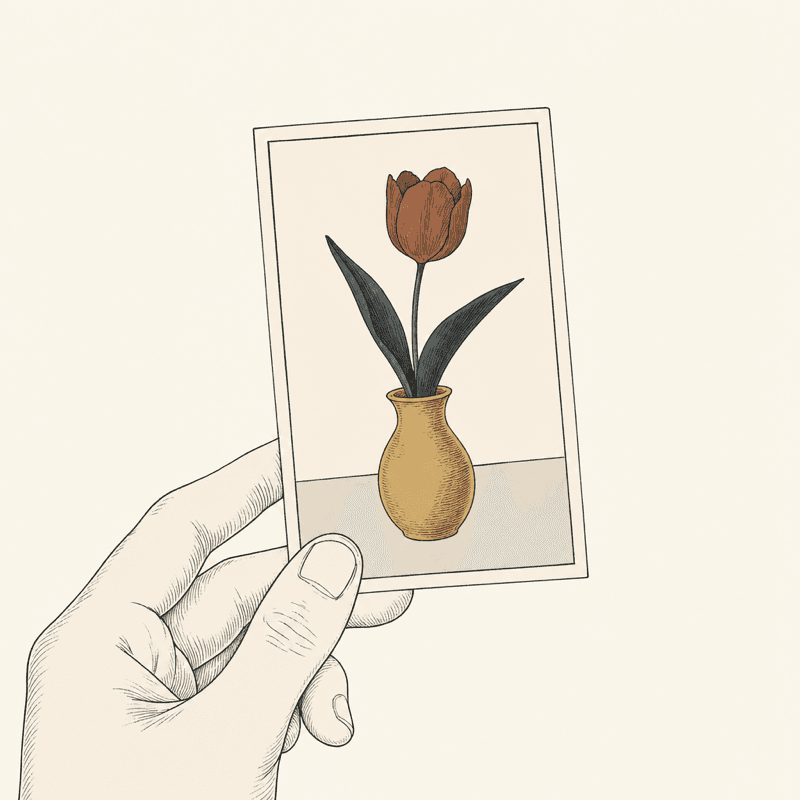
Start with a photo
Any picture — a pet, a flower, a logo sketch.
2
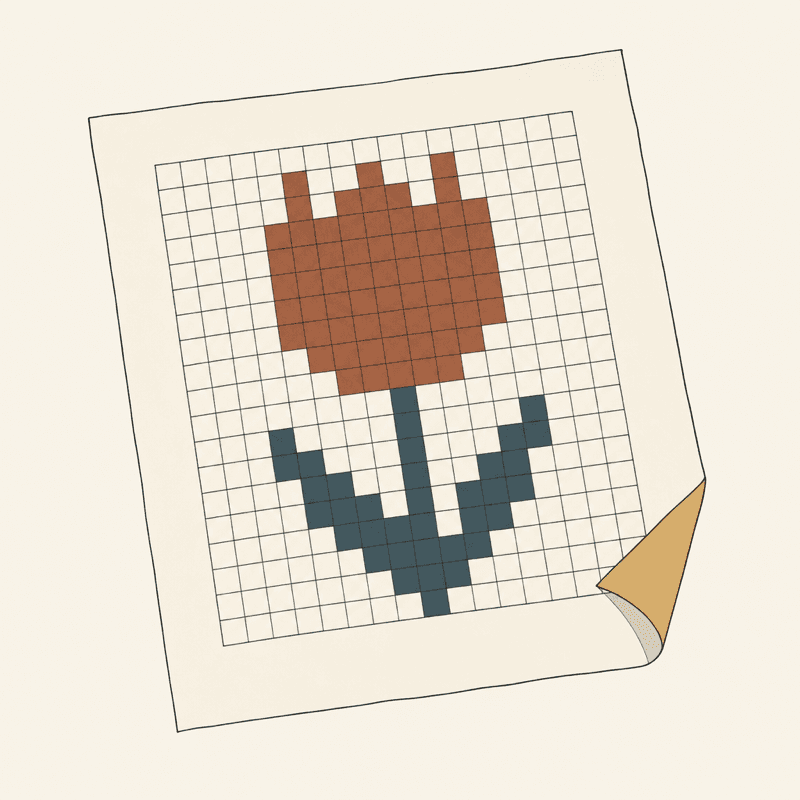
Get a numbered chart
A stitchable grid, cleaned of stray single stitches — edit any cell.
3
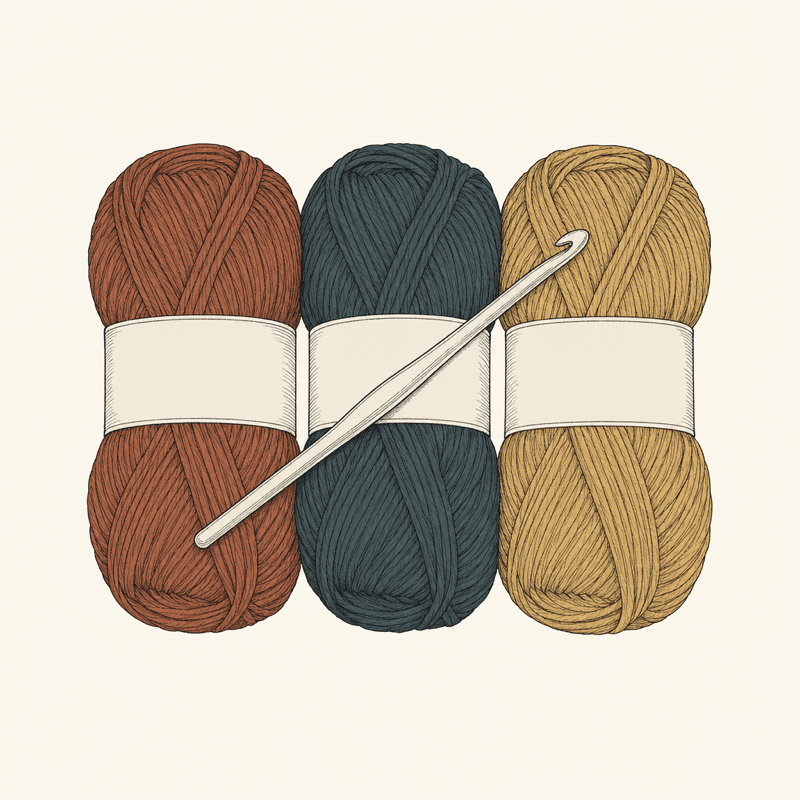
Matched to real yarn
Every color mapped to a buyable colorway, with yardage and hook size.
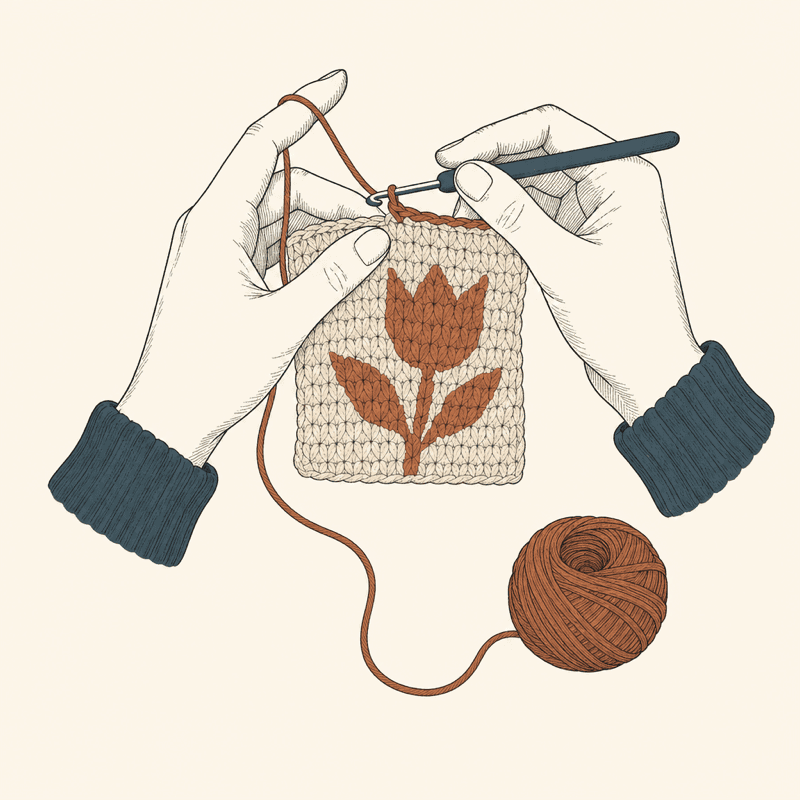
4
Stitch row by row
Written instructions plus a tracker that remembers your row.
One tool, many names
Graphgan generator, crochet graph maker, photo-to-chart converter.
Crocheters call this tool different things — a graphgan generator, a crochet graph maker, a picture-to-crochet-grid converter, a crochet pattern creator, a C2C pattern generator. They all mean the same job: turn an image into a chart you can actually stitch, square by square. StitchingLab does that for tapestry crochet, corner-to-corner (C2C), filet crochet, cross-stitch, and knit colorwork — and unlike most tools, the written row-by-row instructions, the chart editor, and the row tracker are free. Prefer to start from a blank grid? Use the chart designer, or compare every generator honestly on our tested roundup.
What it won't do
Honest limits, so you don't waste an evening.
- Busy photos convert poorly. A six-color floral on a patterned tablecloth won't read as a chart. Simple, high-contrast subjects convert best — and SVG/vector art converts most cleanly of all.
- Charts only. This makes flat colorwork grids — graphgans, tapestry, filet, cross-stitch, knit colorwork. It does not write garment or amigurumi construction patterns.
- No yarn prices. The materials list matches real colorways with hex-accurate colors, but pricing lives with the merchants — buy links are disclosed affiliate redirects.